Trade show leads in your CRM seconds after the scan.
Events Lead Capture scans attendee badges, asks the qualifying questions you choose, cleans each record with AI, and syncs it to Salesforce or HubSpot within seconds.
- Set up before doors open
- No annual contract
- Works with the major badge providers
Priya
Nair
Director of Operations
Northline Robotics
Attendee
Priya Nair
Director of Operations, Northline Robotics
Your questions
- Looking for
- Palletizing cell
- Timeline
- This quarter
- Budget
- Approved
- Next step
- Demo on Thursday
Email verified, matched to an existing account
In Salesforce at 10:42 AM, seconds after the scan
Reads badges from the major registration providers










Syncs to your CRM in seconds

- More CRMs coming soon
The show's scanner tells you who stopped by. We tell you why.
A rented scanner hands you names in a spreadsheet after the show. By the time someone retypes them, the first vendor to follow up has already won.
What the rental scanner gives you
- Arrives as a CSV after the show
- Names and companies, no reason they stopped by
- Blank rows and duplicates someone cleans up by hand
What Events Lead Capture gives you
- In your CRM seconds after the scan
- Your qualifying questions, answered at the booth
- Cleaned and de-duplicated before anyone looks at it
Scan to CRM without anyone retyping a thing.
Every lead takes the same path. Your rep handles the first two steps at the booth. The rest runs on its own.
- 1Your rep
Scan the badge
On iPhone or iPad, in a flow built for a crowded aisle. It keeps scanning when the venue Wi-Fi drops.
- 2Your rep
Answer your questions
The fields you set for this show, like budget, timeline, and product interest, answered while the conversation is fresh.
- 3Automatic
AI cleans the record
Typos fixed, gaps filled, and duplicates merged before anyone on your team opens it.
- 4Automatic
It lands in your CRM
Mapped to your fields in Salesforce or HubSpot seconds after the scan. Every sync is logged.
Built for the booth and the back office.
Three groups touch every trade show lead. Each one gets what they've been asking for.
Booth staff
Fast enough for a crowded aisle.
- Runs on iPhone and iPad, learned in minutes
- Works offline and syncs when signal returns
- A double-tap never creates a duplicate lead
Marketing and sales ops
Clean data in Salesforce or HubSpot.
- Connects over OAuth, no IT project
- Questions set per show: text, number, yes/no, multi-select
- Every sync logged per lead
Whoever approved the booth
Proof the show paid for itself.
- A post-show report of what the event produced
- Leads in the CRM your pipeline reports already use
- A branded capture screen with your consent language
Your booth, your brand, your questions.
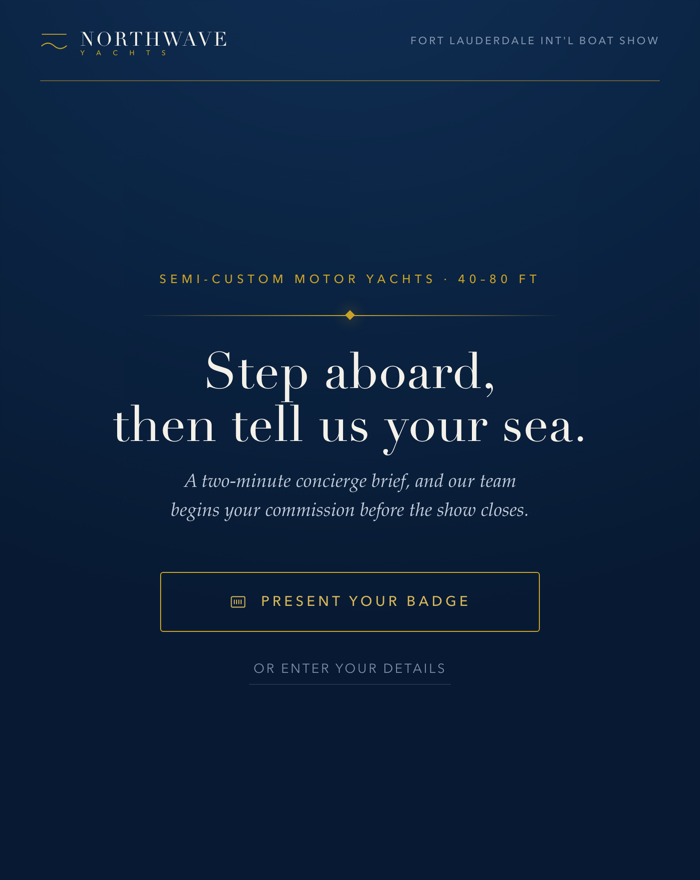
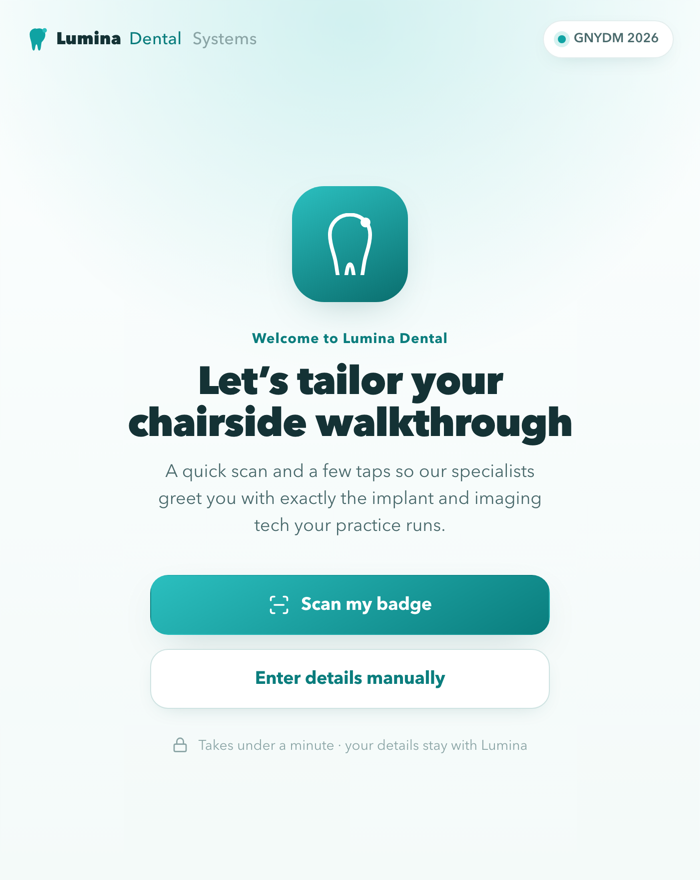
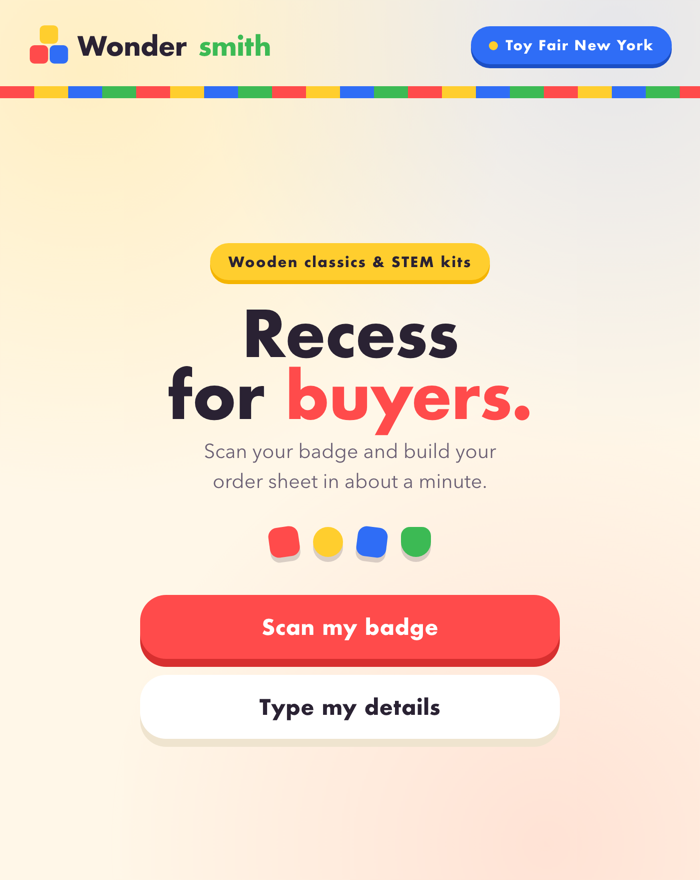
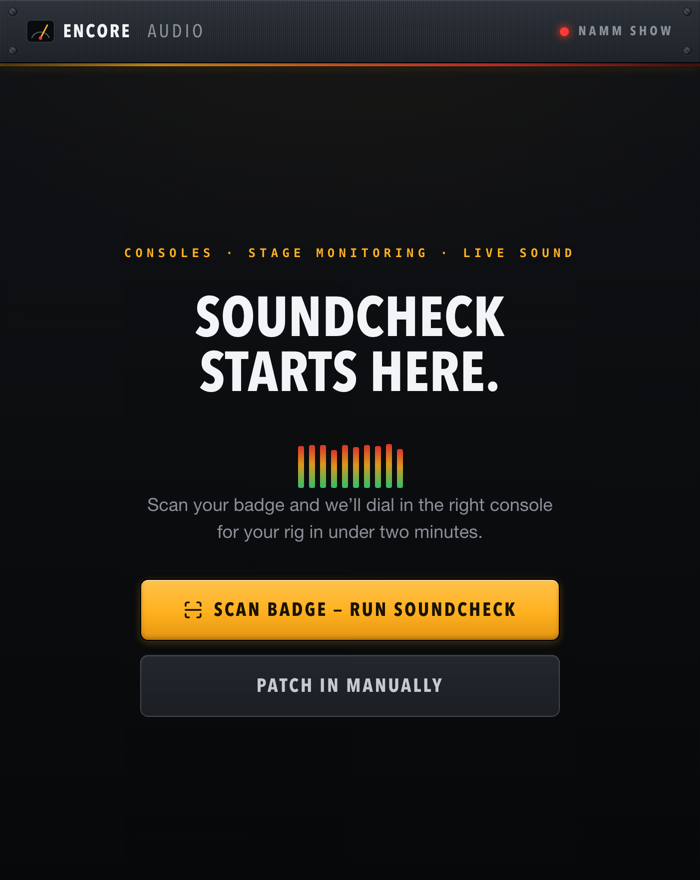
We build the capture screen around your brand and each show's questions. These are interactive demos for fictional brands. Tap through one.
Open the demo gallery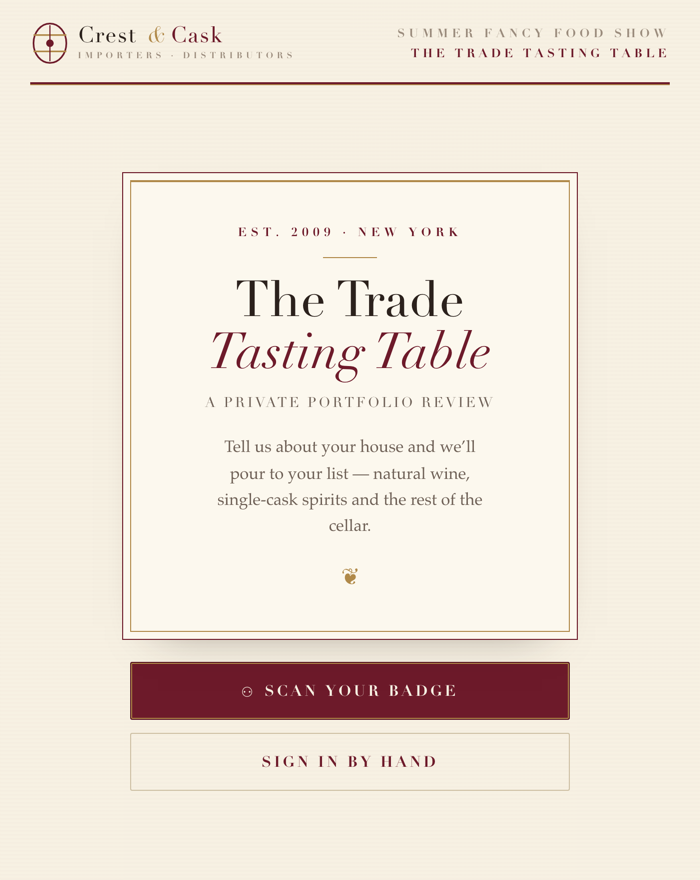
Pricing built around your show calendar.
Every exhibitor runs a different set of shows, so we quote each one. Tell us where you're exhibiting and we'll reply with pricing within one business day.
Included at every show
- Setup and a rehearsal before doors open
- Your branded capture screen and questions
- Badge scanning on iPhone and iPad, offline too
- AI cleanup on every lead
- Sync to Salesforce or HubSpot in seconds
- A post-show report
Questions exhibitors ask first.
Anything else, ask us on the demo call.
How is this different from the lead retrieval scanner the show rents?
The rental scanner records who stopped by (a name and a company) and hands you a CSV after the show. Events Lead Capture records the reason they stopped by: your qualifying questions, answered during the conversation, cleaned up by AI, and synced to your CRM within seconds instead of exported into a spreadsheet. For the full picture of how badge scanning works, see our guide to lead retrieval.
Will it work with my show's badge provider?
Events Lead Capture reads attendee data from the major badge and registration providers (Maritz, Cvent, CDS, SPARGO, RainFocus, Stova, Swapcard, Bizzabo), and for anything else we connect the provider's feed to the same pipeline. See the full platform and integration list, or tell us the show and we'll confirm before you commit.
What does it cost?
Pricing depends on the shows you exhibit at, so we quote it for your calendar rather than publish one number. Tell us about your next show and we'll reply with pricing within one business day.
What does setup involve? Do we need IT?
No code, no IT project. You send the show details and your questions, whoever owns your CRM authorizes the connection over OAuth, and we rehearse the full path with a test scan before doors open.
Which CRMs do you sync with?
Salesforce and HubSpot, over OAuth, with every sync logged per lead. More CRMs are coming soon. If your team runs a different one, tell us which and we'll let you know where it stands.
Who owns the lead data?
You do. Leads land in your CRM as they're captured. Events Lead Capture is the pipe, not the silo. Every sync is logged per lead, so you can see exactly what reached your system and when.
How do we handle consent and privacy on the floor?
Each event's capture flow carries its own consent language, set up with you before the show. Attendees see it at the point of capture, so what you collect on the floor matches what your legal team approved.
Tell us about your next show.
We'll confirm your badge provider, walk through the setup, and send a quote. Pilot one event before you commit to more.